 PluraFusion
Geo · Clean upby hand, or by itself
Clean data.No chore.
It finds what does not belong — and shows you before it goes.
Automaticfound, shown, removed
One press.Clean.
Strays, specks and floaters marked first, removed second — and back again if you like.
- Stray points, everywhere
- Floaters in splats
- Rules you can reuse
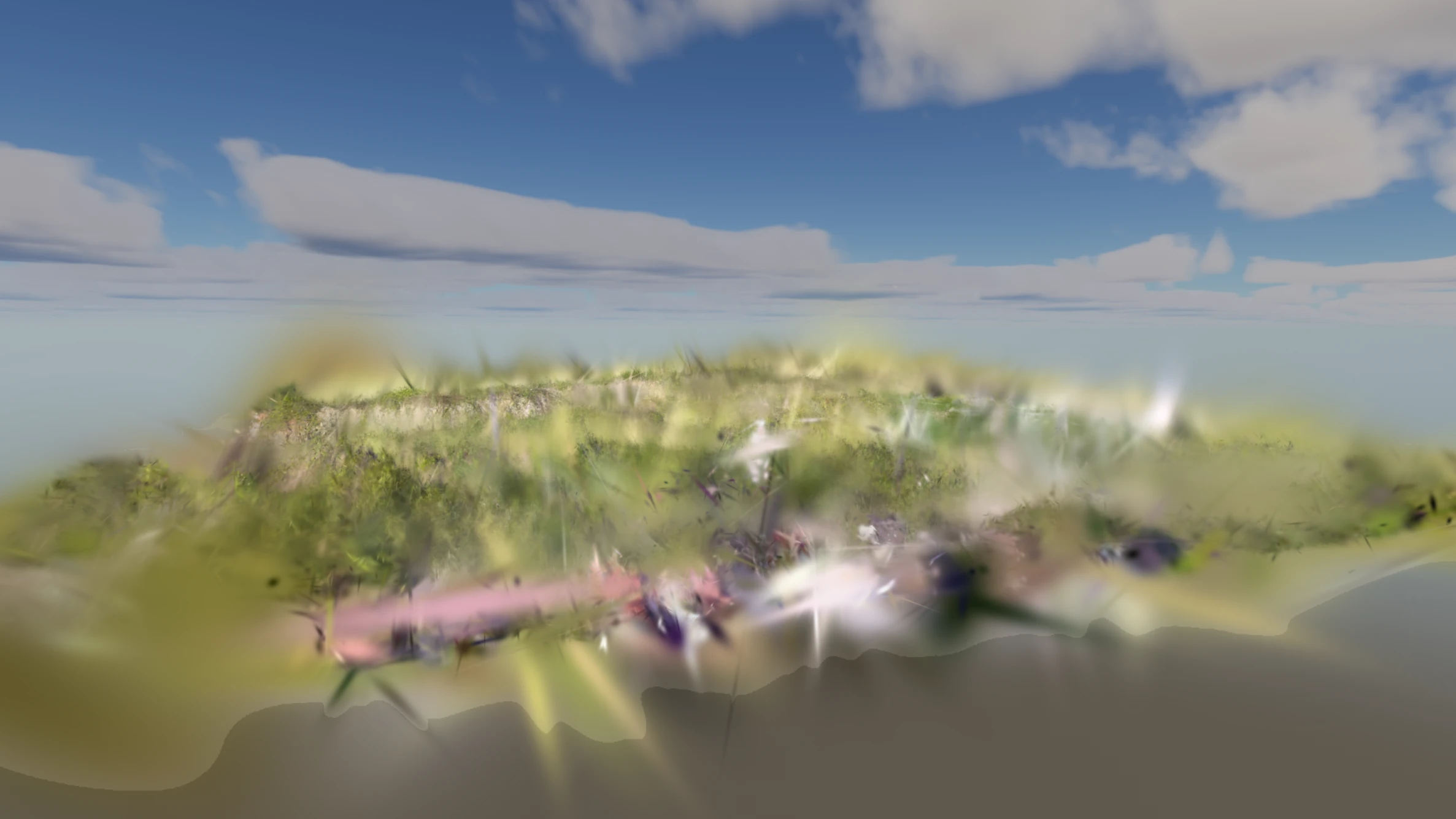
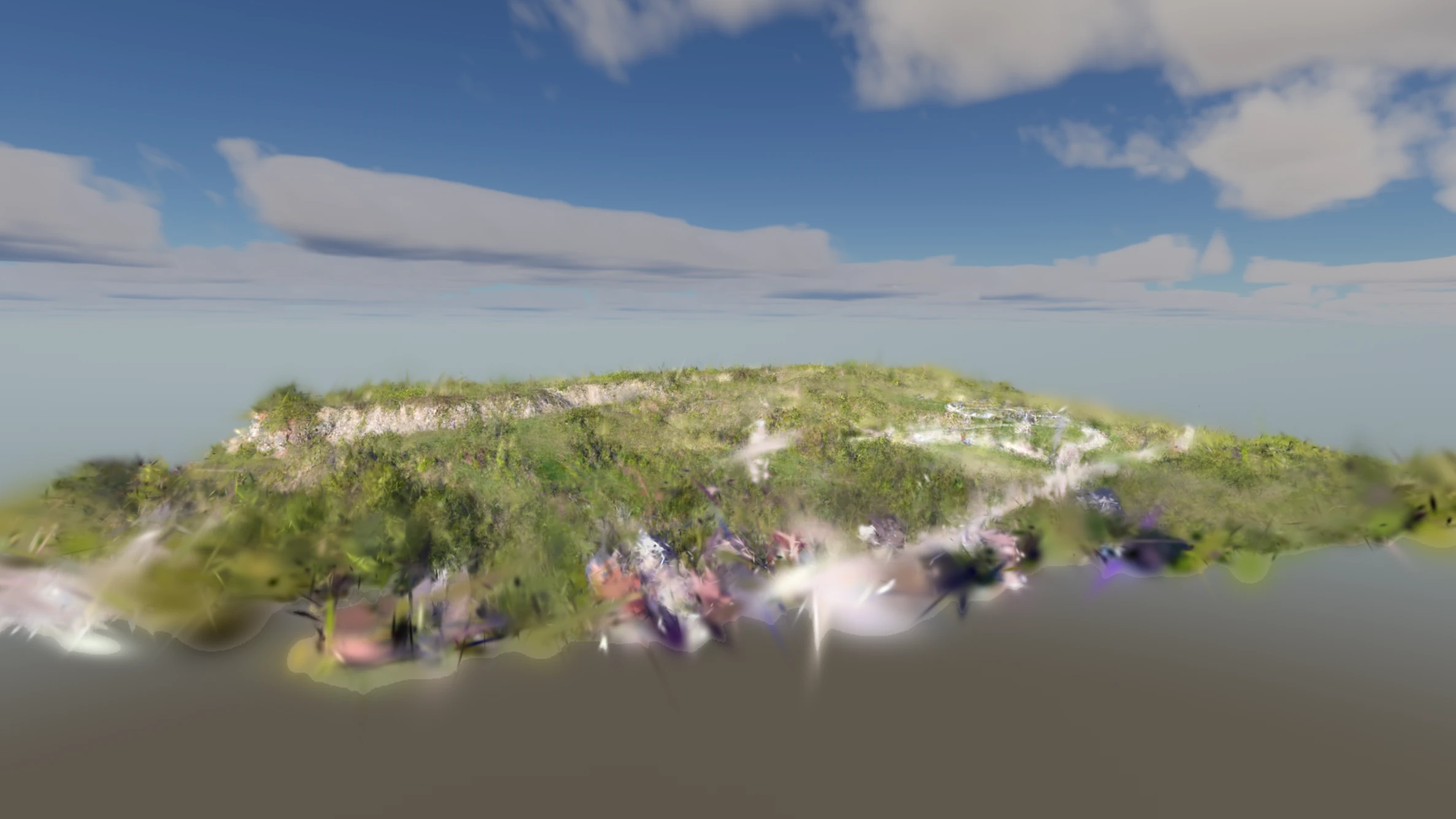 BeforeCleaned
By handevery selection
Every selectionyou could want.
Lasso a building, brush a tree, box a car — then crop, delete or move it.
- Lasso, box and brush
- By class or by height
- Into a cloud of its own
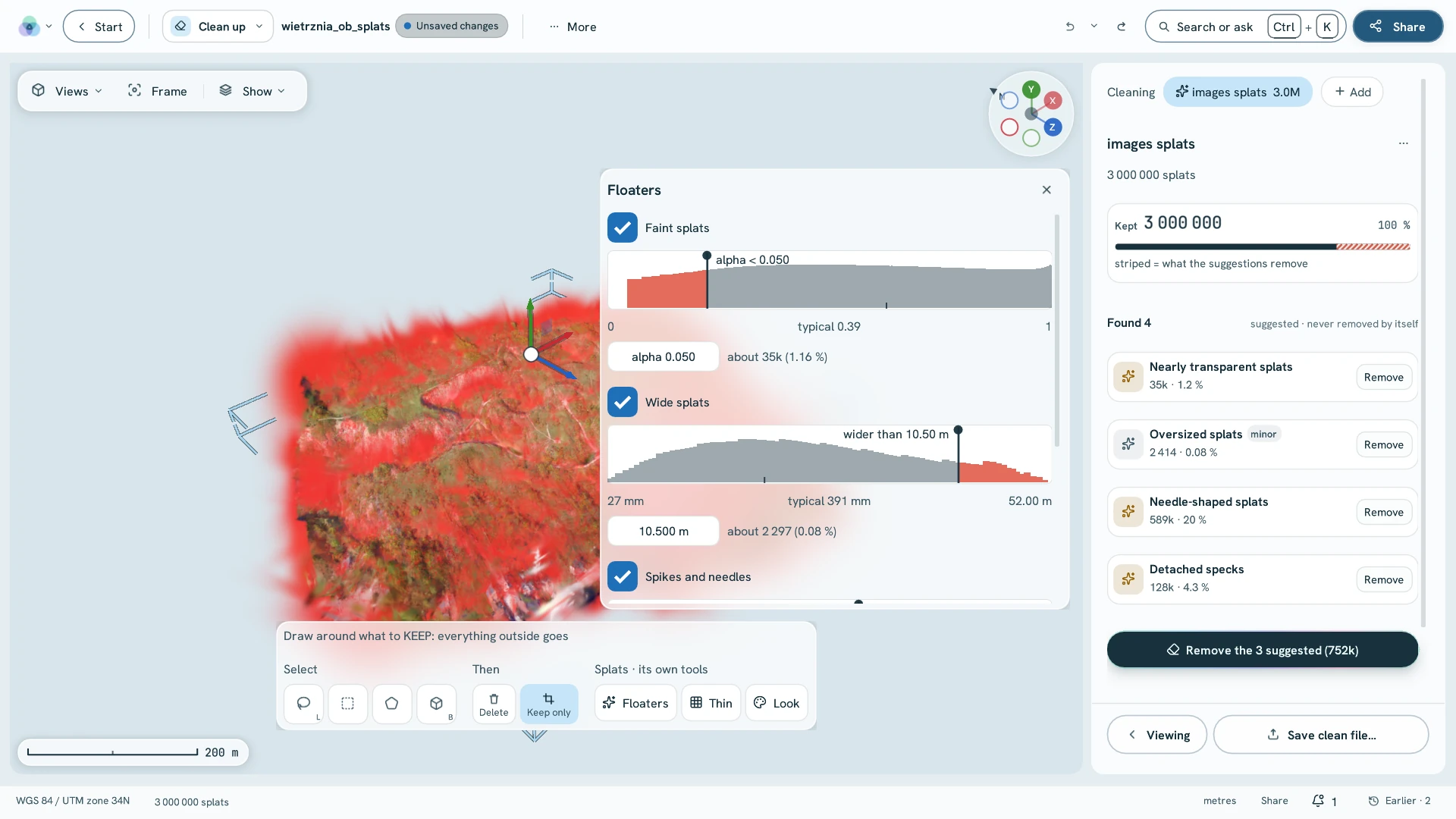
Nothing lostundo anything
Changed your mind?Undo it.
Every clean-up is a step you can take back — the original stays untouched.
- Undo any step
- Selections saved as sets
- Written only when you say
Nextone click away
Where to go next
Your noisiest scan.Clean in minutes.
Clean up comes with every package.