
AI assistantyour coworker

Not a chatbot.A coworker.

Hand it a plan. It builds the part, checks it, and shows you every step.
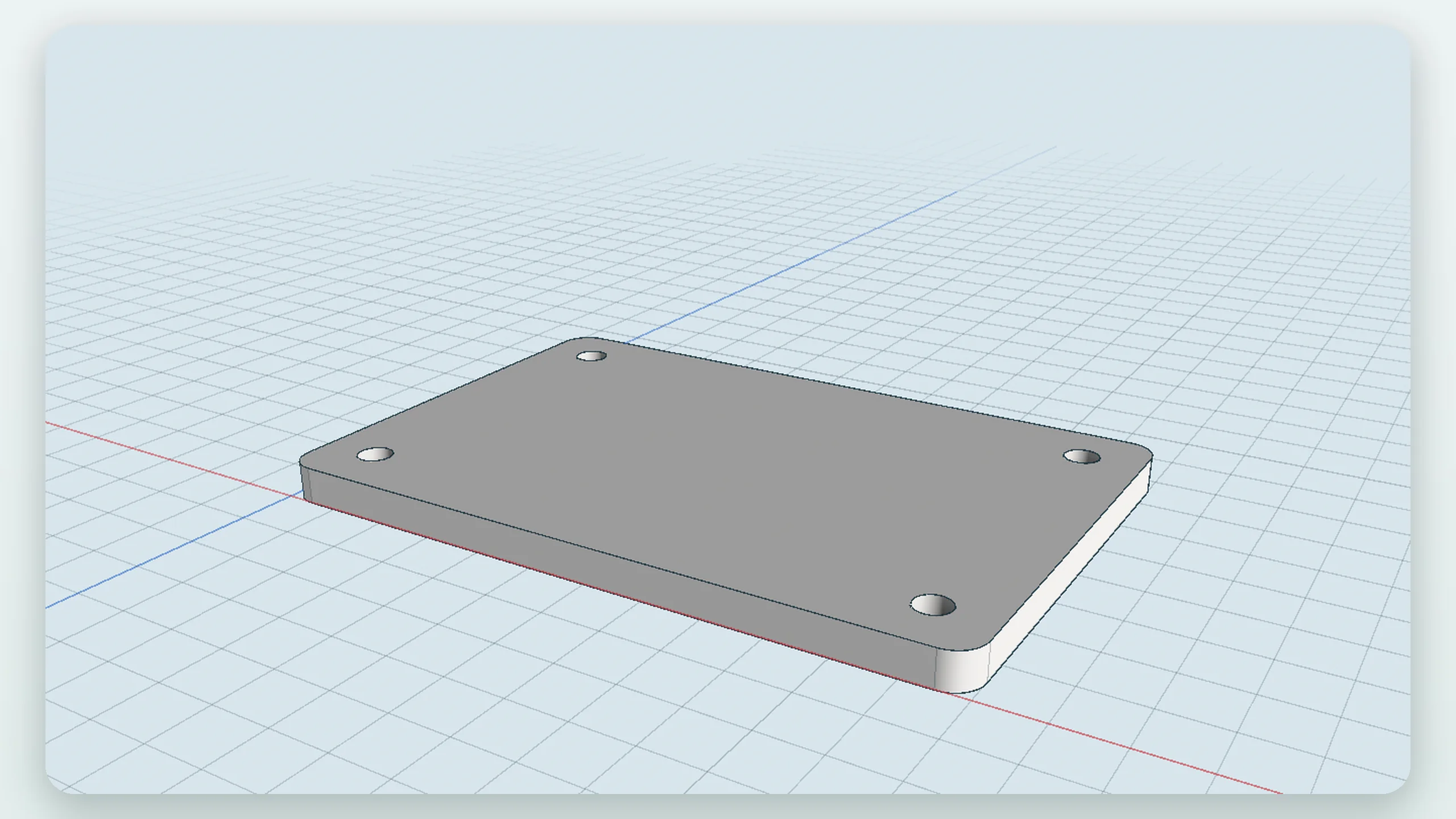
The mounting bracket the assistant built from a written plan: a plate with rounded corners and four holes
Design · a plan becomes a part · sped up

It does the workplan, part, proof

You bring the plan.It brings the part.

Write it the way you would brief a colleague. It lists the steps, does them one by one, and ticks them off.
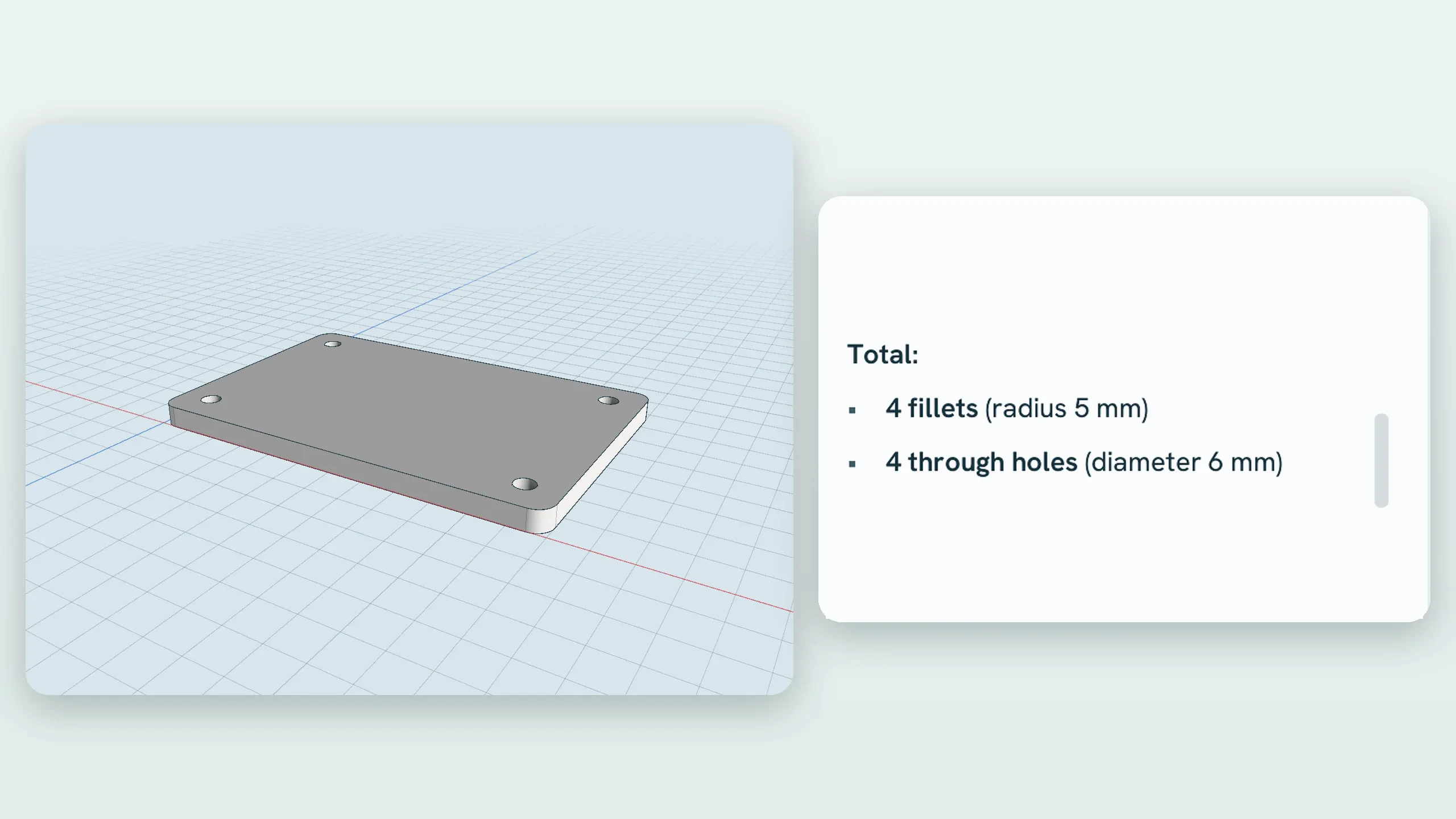
01 · Plan

Say what you want.

Plan5 steps
A new part, “Mounting Bracket”
Base plate, 120 × 80 × 6 mm
Four M6 holes, 10 mm in
5 mm fillets on the corners
Check size, holes, rebuild
02 · Part

Watch it build.

The finished bracket in Design: a plate with four holes and rounded corners, its history listed beside it
03 · Proof

It checks itself.

The assistant's closing report beside the bracket: sizes, hole count and a clean rebuild

Every workspacesame coworker

Design, scans,surveys, films.

It works wherever you work, and does what you can do there.
Classify this cloudClear the straysMeasure a volumeCut a sectionMake the drawingFit the wallsRender a stillChange a setting
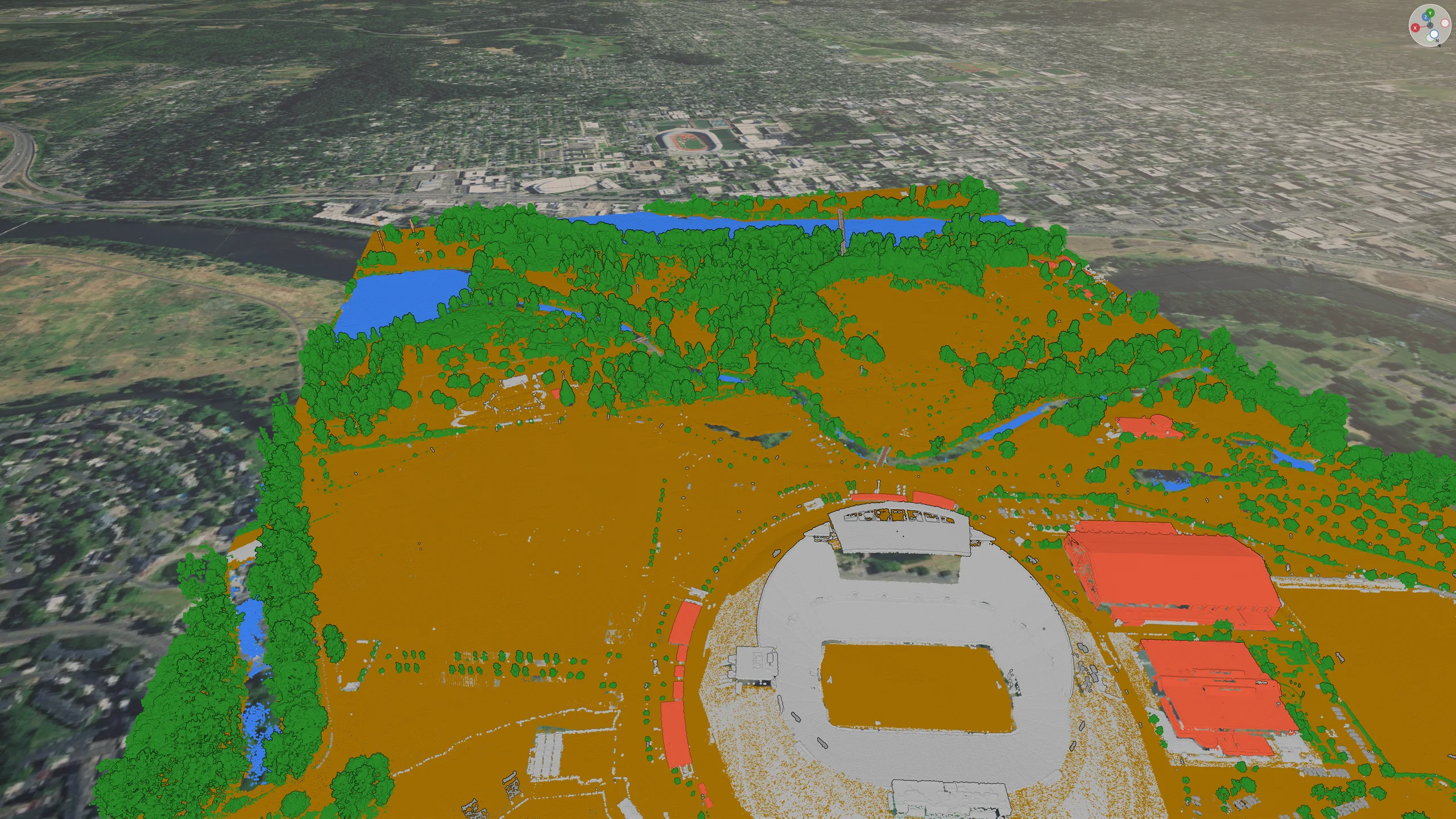
A city scan in class colours: ground, buildings and trees, classified on request
Classify · asked in words · sped up

It sees your sceneand your screen

It reads the scene.It looks at the view.

It knows what is in the scene and can look at the picture, like you do.
  • Objects, parts, storeys, layers
  • Looks at the 3D view or a panel
  • Pictures, PDFs and notes you drop in
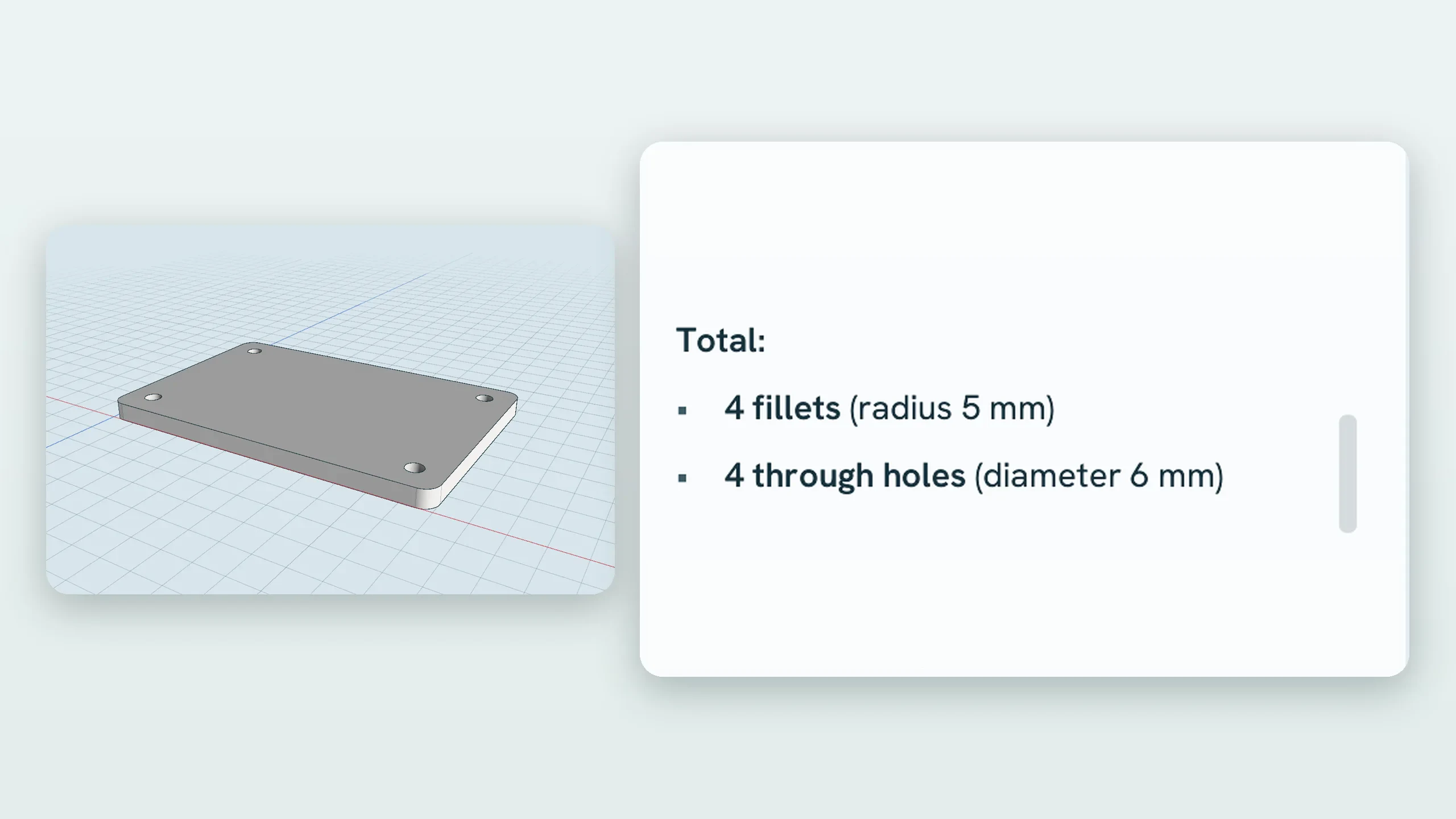
The assistant panel beside the 3D view, listing what it did to the part
The assistant panel · every step on show

You stay in chargeevery step undoable

It asks beforeanything risky.

It does what you can do, no more. Each change is one step you can undo.

  • Ask first, or let it run
  • Destructive steps always ask
  • Off until you switch it on
How much it may doyou choose
Ask about everything
Read freely, ask before changes
Change freely, ask before deleting
Auto: asks only for the risky

Your choice of modelyours to pick

Run it on your machine,or bring your key.

Nothing leaves your computer unless you choose a cloud model.

On this machine

Local, private

One click fetches a model that fits your graphics card.

  • Qwen
  • gpt-oss
  • Offline
Your key

Cloud models

Bring your own account. No extra cost per seat.

  • Anthropic
  • OpenAI
  • Google
  • Mistral
  • Groq
  • OpenRouter
Your server

Any compatible endpoint

Point it at the runtime you already use.

  • Ollama
  • LM Studio
  • llama.cpp
  • vLLM

Steer it from your agentMCP and scripting

Claude Code, or any agent,at the controls.

The running program listens on a local port. An MCP server turns every operation into a tool your agent can call.
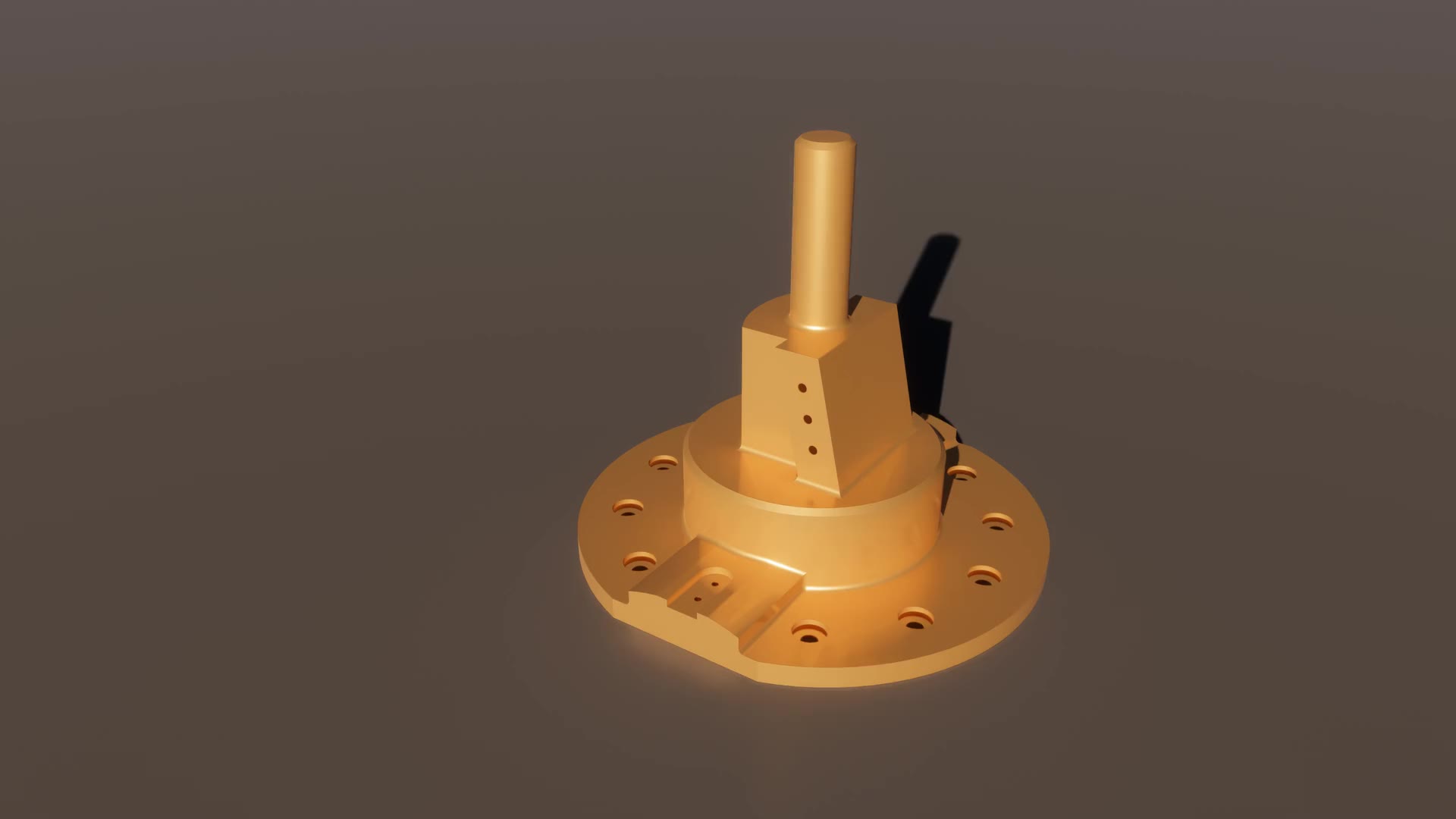
A machined part rendered in studio light
Real calls, left · the app reacting, right
cad.new_part {"name":"Bracket"}
part “Bracket” ready
cad.create {"kind":"box","params":[0.12,0.08,0.006],"name":"Plate"}
Plate · box 120 × 80 × 6 mm · 6 faces
cad.fillet {"parallelTo":[0,0,1],"r":0.005}
edges rounded · 10 faces · verified solid
cad.hole {"at":[10,10,6],"into":[0,0,-1],"diameter":6}
Hole ø6 mm · through
cad.mass {}
mass 445.82 g · volume 56 793 mm³
From the command line, as run. MCP carries the same calls.
  • Hundreds of operations, one vocabulary
  • Click, type and look, like a person
  • The same ones the built-in assistant uses
  • Local only: nothing is exposed to the network
$claude mcp add omniblick -- node server.mjs
cad.*points.*s2b.*photo.*render.*ui.clickscreen.shot

Give ita job.

Try it in the beta, and tell us what you would hand it next.